
{{Business.BusinessName}}
Voice Point Of Sale
What changes when you can speak to your POS?


Start With The Words You Already Use
At a counter, people already speak in short phrases. A customer asks for a different size, an associate checks an item, or a manager asks which order is open. A voice-ready point of sale gives teams a way to bring that ordinary language into their checkout workflow.
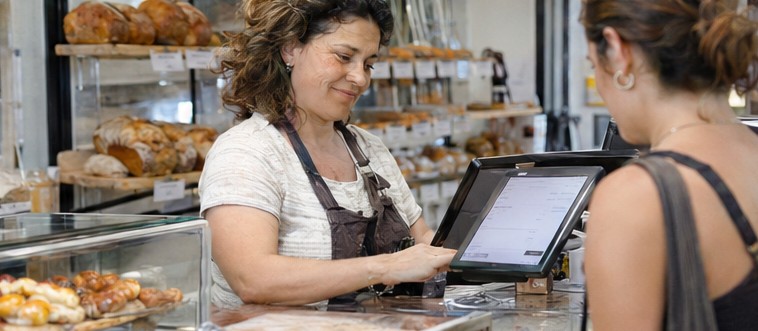
Pick A Familiar Task
Begin with one task your team repeats every day. Describe what starts it, what the system needs to know, and what a correct result looks like. Try a few ways of making the same request so you can see where a voice interaction fits.
See Products & Pricing
Look At The Result Together
Give the associate a chance to read the result on the screen. Product names, quantities, and the current order are good details to check before the interaction moves forward. A shared view of the result makes it easier to correct a misunderstanding.
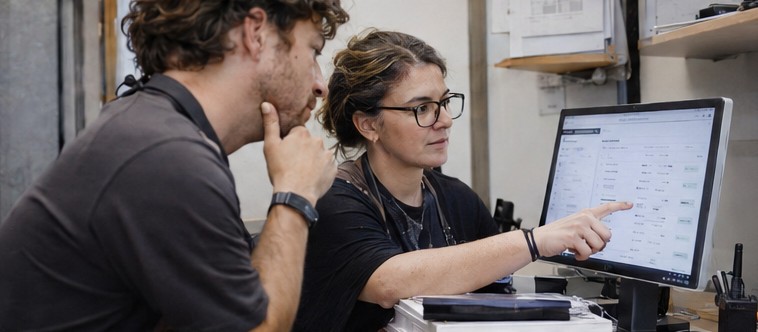
Plan For A Busy Counter
Background conversation and music are part of many shops. Try the workflow during a representative shift as well as in a quiet demo. Ask which tasks are comfortable to say aloud when customers are nearby.
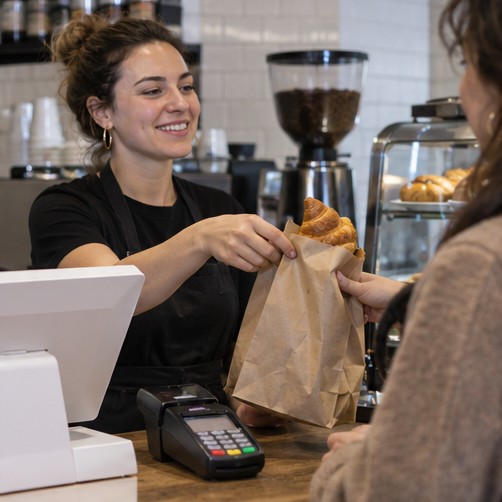
Bring A Real Example
Write down a short exchange from your counter and bring it when you talk to LISA POS. Ask which parts the system can handle and where an associate should take over.