
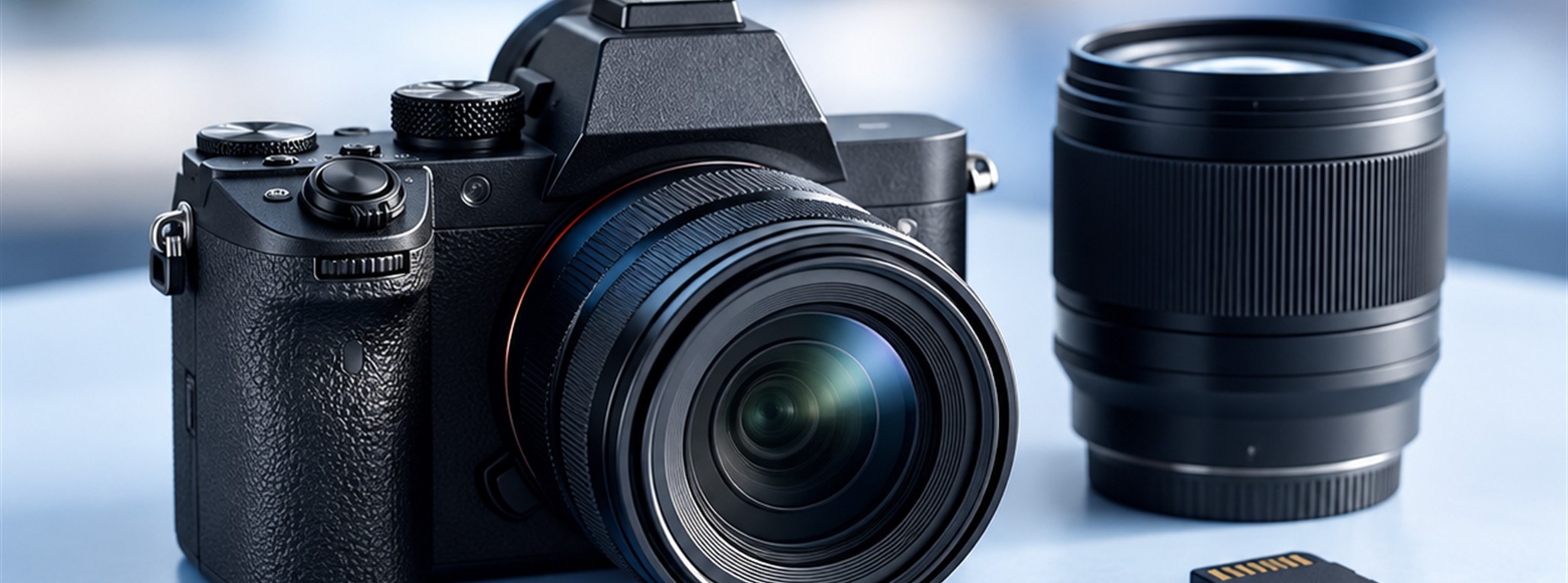
Economy Photography
A Practical Starting Point.
Compare AI-edited photography packages for different property sizes.
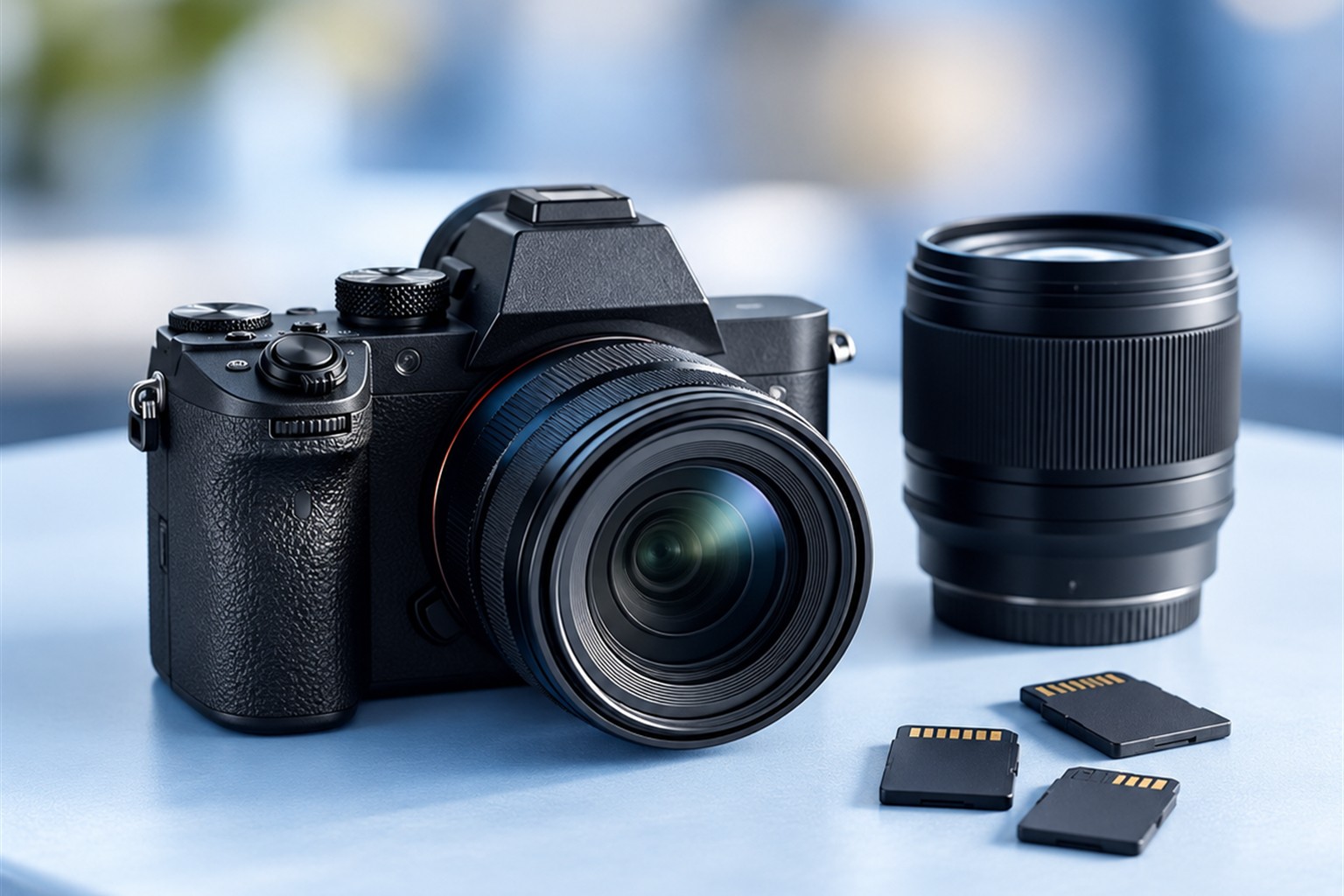
01 / Understand Your Options
Start With the Square Footage
Economy photography includes 25, 35 and 45 photo options. The listings cover homes up to 2,000, 3,200 and 4,200 square feet respectively and describe AI editing with sky replacement for every photo. Use those limits to narrow the choices, then confirm the fit with the team. The live catalog keeps the current prices alongside each service description.
02 / Plan the Details
Understand the Scope
An economy package can be a useful starting point when you know the coverage you need. Compare its listed inclusions with HDR and Elite Blended Flash options before deciding. The photography descriptions note travel fees beyond 30 miles from central Houston. Share the property location and any special requirements when asking about a session so the team can clarify the complete scope.
03 / Your Next Step
Compare the Current Options.
Use the live catalog to review the services currently listed by {{Business.BusinessName}}. Compare the descriptions, coverage and prices before choosing. Share the property location, size and any special requirements with the team to confirm the right fit. Service availability and scheduling should be confirmed directly; this guide helps you prepare that conversation.