
Understand The Situation
“Write three questions a first-time shopper might ask about our store.”
Explore The System / Explore Our Store With ChatGPT
Print a US Letter QR poster that opens ChatGPT with a shopping prompt for your business.
Explore Our Store With ChatGPT / 1
Open Explore Our Store With ChatGPT from Reporting for the selected business.
The system uses the store’s identity to generate a QR code that starts a customer-facing shopping conversation.
Start from the dashboard of the store that will display the sign. The QR code is generated from that business’s identity, so a sheet printed for one store belongs with that store’s products and context. Scan a fresh print with an ordinary customer phone to see where it opens.
Try a question about a product the store publishes, such as what sizes or options are available. Testing the prompt before placing the poster helps staff explain what a customer can do with it. Have another team member test the same poster so they can explain it at the counter.
Explore Our Store With ChatGPT / 2
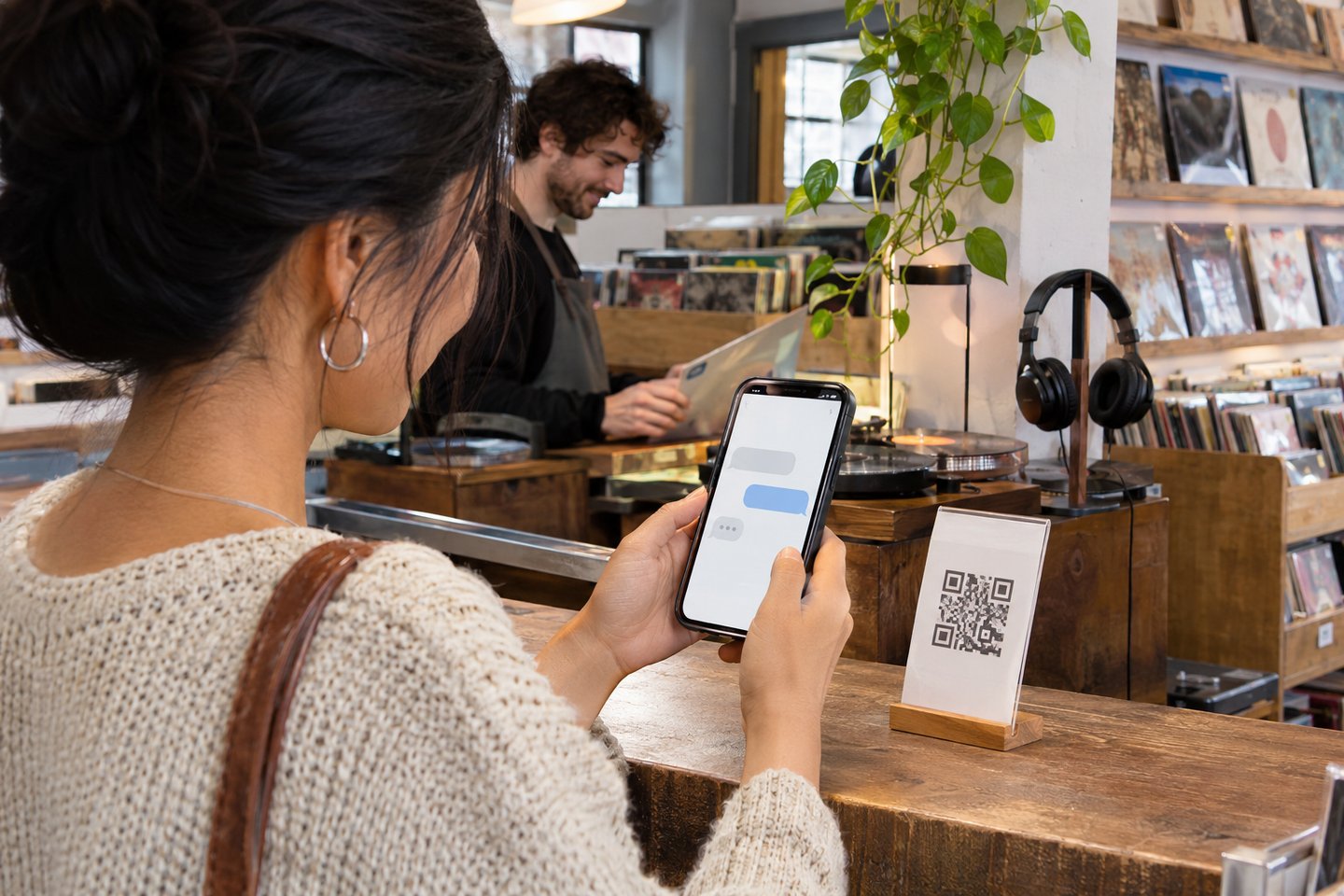
Place a printed copy where shoppers can scan it and ask about the store’s published offerings.
The QR code opens with your store’s shopping prompt.
Think about which questions are useful when a shopper walks in or is considering a visit. They may want to know what the store carries or which products fit a particular need. Put the poster where someone can pause long enough to ask and read an answer.
If an item is unclear in the conversation, review how it is described in the public catalog. The quality of the information shoppers can find depends in part on the details you make available about the store and its offerings. Start with one clear example question when you explain the poster to somebody who has never used it.

Explore Our Store With ChatGPT / 3
Keep this public-facing poster separate from Manage With ChatGPT, which starts an authorized session for the business owner.
Use Explore Our Store Online if customers should go straight to the listing.
Keep the public poster with the materials customers are meant to use. The owner’s Manage With ChatGPT entry belongs with the business management tools and uses a different authorization flow. Give staff a simple explanation of the difference so they hand out the right printed material.
If the store also displays the directory poster, place a short label beside each one. A customer who wants to browse a listing should be able to choose that directly, while someone looking for help can choose the shopping conversation.
A Conversation That Leads To Action
Use these examples to explore the tool with ChatGPT, Claude, or another connected assistant that has access to the relevant records or reports.
When preparing material for customers or staff, describe where it will be used. Ask the assistant to help you plan a test before you print copies.
“Write three questions a first-time shopper might ask about our store.”
“Help me test whether the shopping link can answer those questions about the catalog.”
“Prepare a sign for the counter that tells customers what to expect when they scan.”
Use an authorized business connection for supported actions. Ask the assistant to show the records behind its summary and identify any steps that need your review.
Choose Your Next Step
Bring a promotion or shopping scenario to your demo. We can walk through how customers find an item and what your team sees at checkout.