
Understand The Situation
“List our current QR codes and explain the destination each one opens.”
Explore The System / QR Codes
Create scannable destinations for reviews, your website, phone contact, text messages, and contact cards.
QR Codes / 1
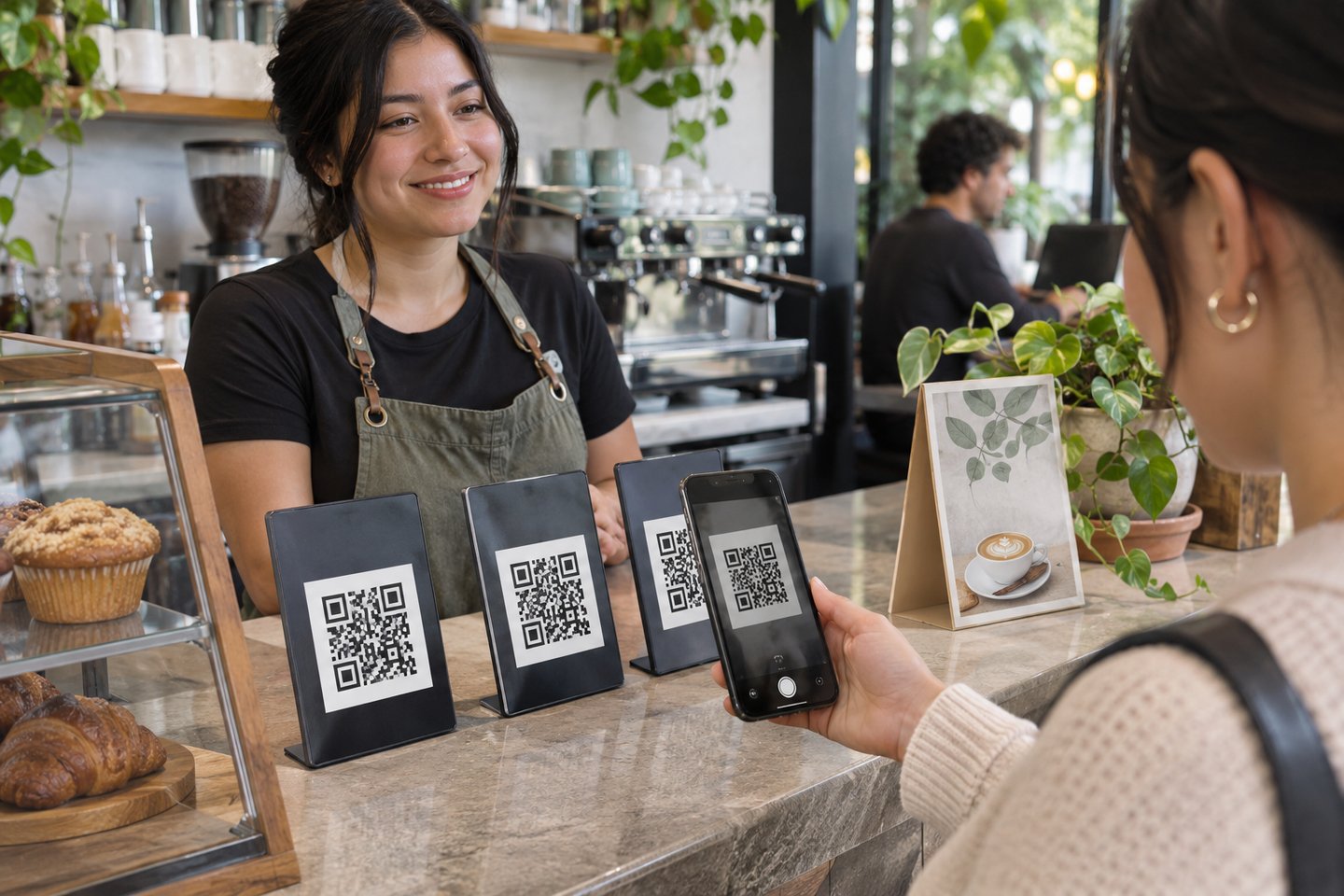
A QR code is most useful when it has a clear job. This tool supports several destinations, including a business review, website, phone number, text message, and contact card. That lets a printed surface connect someone with the next action that fits the situation.
At a service counter, on a leave-behind card, or beside an offering, the business can shorten the path from interest to action. The choice of destination should match the promise printed beside the code.
Start with the action you want someone to take at that location. A sign by a register might ask for a review, while a card handed out at an event might share contact details. Scan the result before printing so the code’s behavior matches the sign around it.
QR Codes / 2
Print wording provides an introduction, title, and message around the code. Download and print options make the result usable outside the management screen. Custom prefixes and availability checks support the managed links used by applicable codes.
The business benefit comes from clarity as much as convenience. A customer should understand why they are scanning and where it leads. Purposeful wording can make a small printed item a useful extension of the website or customer-service conversation.
Write enough context around the printed code for someone to decide whether to scan. A label such as “Visit Our Website” tells a visitor more than a bare square. Try the final print from the distance and angle a customer will actually use, especially on a busy countertop.

QR Codes / 3
The management workflow includes code review, expiry, and notification settings for supported managed-code activity. Review-related tags can help identify the context of submitted feedback. These controls give the owner a way to maintain codes after the first printout.
Different code types have different behavior: a direct phone action is not the same as a managed web redirect. Keeping that distinction in mind helps the business use the available activity information sensibly without interpreting every scan as a completed sale.
Keep track of where an individual code is posted and what it opens. When you retire a sign or change the information it shares, review the copies still in circulation. Replace outdated printed material and confirm the code you want to keep using works as expected.
A Conversation That Leads To Action
Think about handing a task to ChatGPT, Claude, or another connected assistant in the same clear language you would use with a trusted employee. These examples describe the conversational experience we are building around qr codes.
“List our current QR codes and explain the destination each one opens.”
“Prepare a review code with welcoming print wording for our checkout counter.”
“Expire the selected managed code and tell me which printed materials we should replace.”
The useful outcome is less time translating your intentions into clicks and more time serving customers. Actions require an authorized business connection and the relevant supported tools; the assistant should distinguish what it has found, what it proposes, and what it has actually completed.
Discovery Is Only The Beginning
Continue through the dashboard to see how the tools support your operation, or start with a free AI Business Directory listing.